What does the lock icon mean in Studio?
In Studio, you can lock a paragraph once you're happy with it, and this will prevent any accidental changes. Locked paragraphs are indicated by a lock icon to the left of the paragraph.
The lock button locks the current version of the selected paragraph. This means that you no longer have the option to regenerate the paragraph, change the voice or settings, or access the generation history for the paragraph. You can unlock a paragraph at any time by clicking the lock button.
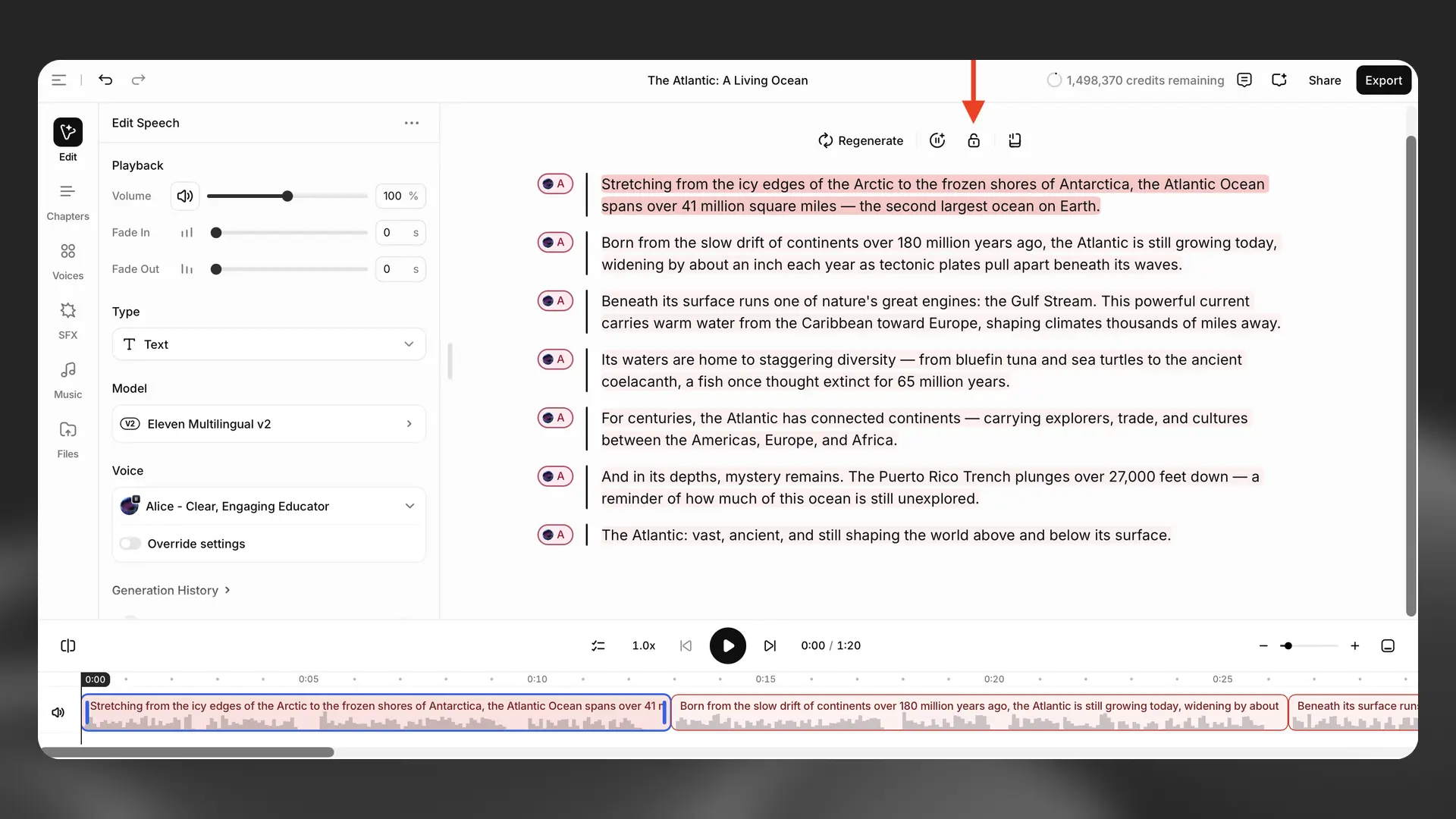
This feature is only available after you have generated audio for the selected paragraph.