How can I see information about API requests for my account?
You can view API request data for your account in usage analytics. Click Developers at the bottom of the sidebar, open the Analytics tab, then select API Requests.
The API Requests view shows request volume and performance for your account or workspace. Metrics include:
- Total requests, which you can break down and filter
- Success rate
- Average latency
- Top called path
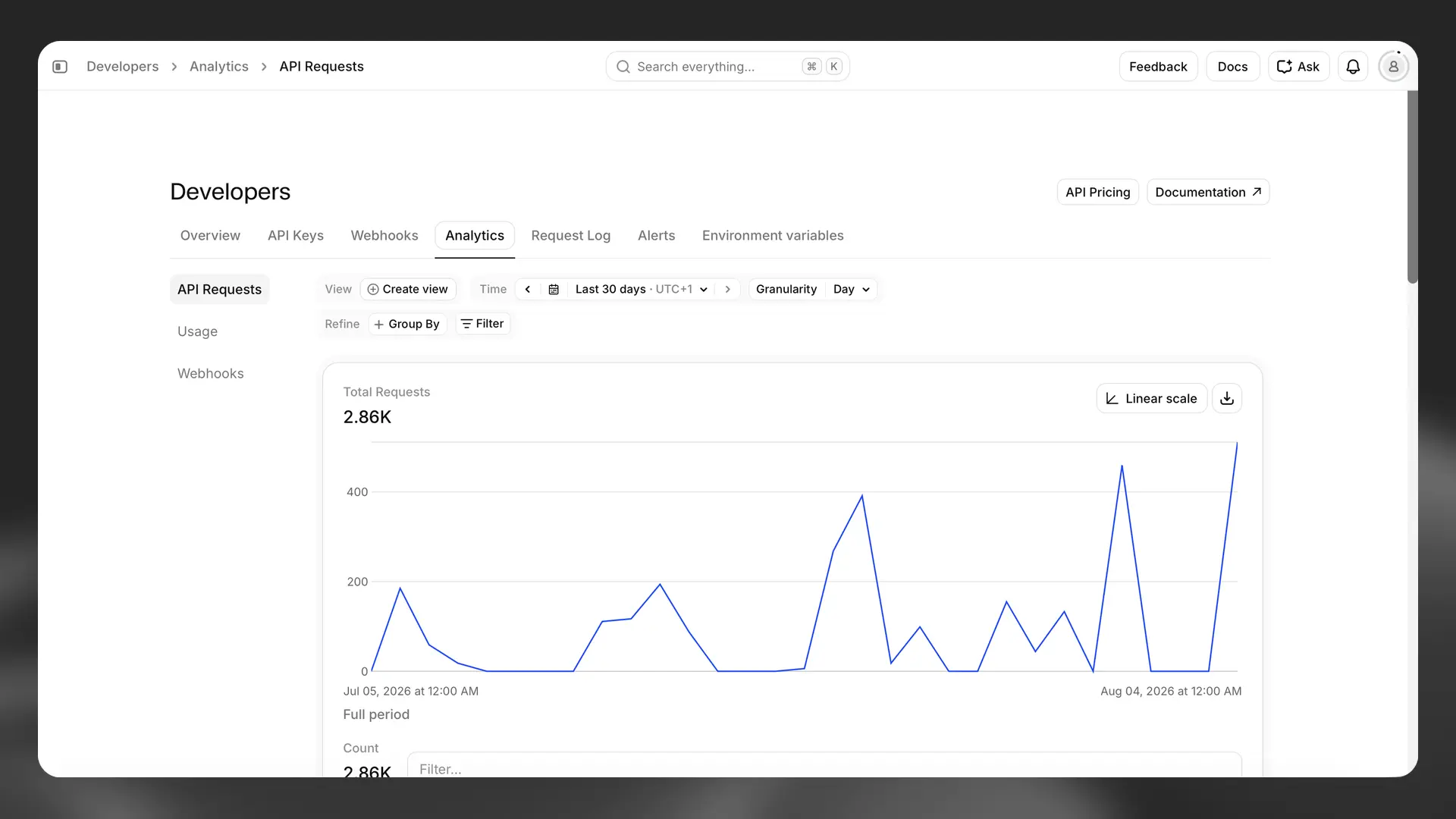
You can filter by time period (for example, hour, day, month, or year) and at different levels of granularity.
If you are part of a multi-seat workspace, you can switch between data for your account and your workspace. If you are not in a multi-seat workspace, you will not see this option.
To search and inspect individual API requests, open the Request Log tab.
For a full walkthrough, see Usage analytics.