How can I create a voiceover for my video using Studio?
Create a new video project from the Studio home page. Enter a prompt, select an Inspiration, or select + New blank project > Video project (New).
Create a new video project from the Studio home page. Enter a prompt, select an Inspiration, or select + New blank project > Video project (New).
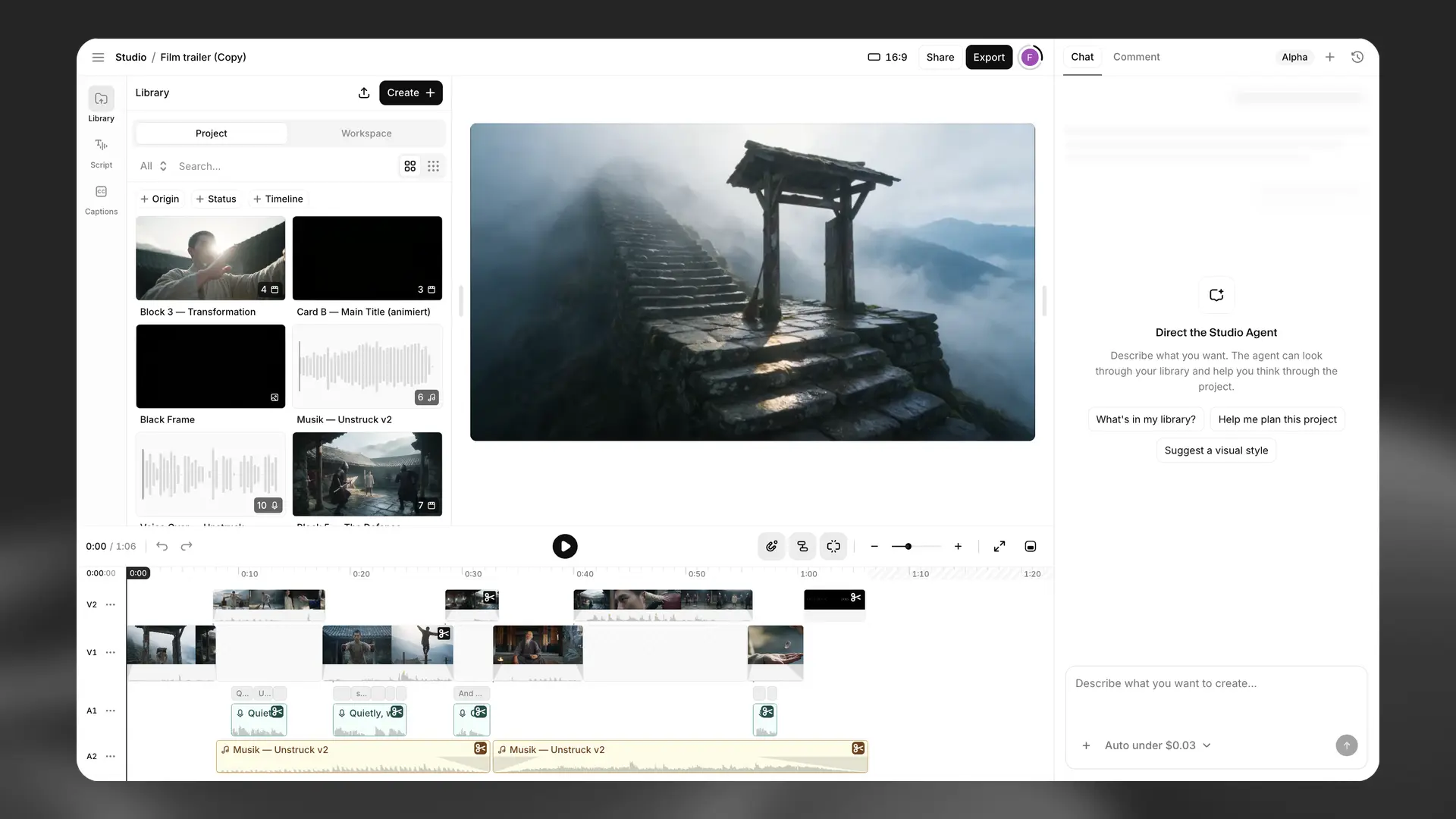
Use the Library panel to add the video and voiceover:
Select Create +.
Select Upload to add an existing video, or select Video to generate one.
Select Speech to generate the voiceover.
Drag the video and speech clips from the Library to the timeline.
Adjust the clips on the timeline to align the voiceover with the video.
Use the Script panel to edit the narration or change its voice and model. Changes to the text or voice require regeneration.
To add captions, open the Captions panel and select the voiceover track as the caption source. Edit the transcript and caption style as required.
Select Export to render and download the finished video.