What is Generation History in Studio?
Generation History allows you to listen to, download and restore previous audio generations for each paragraph.
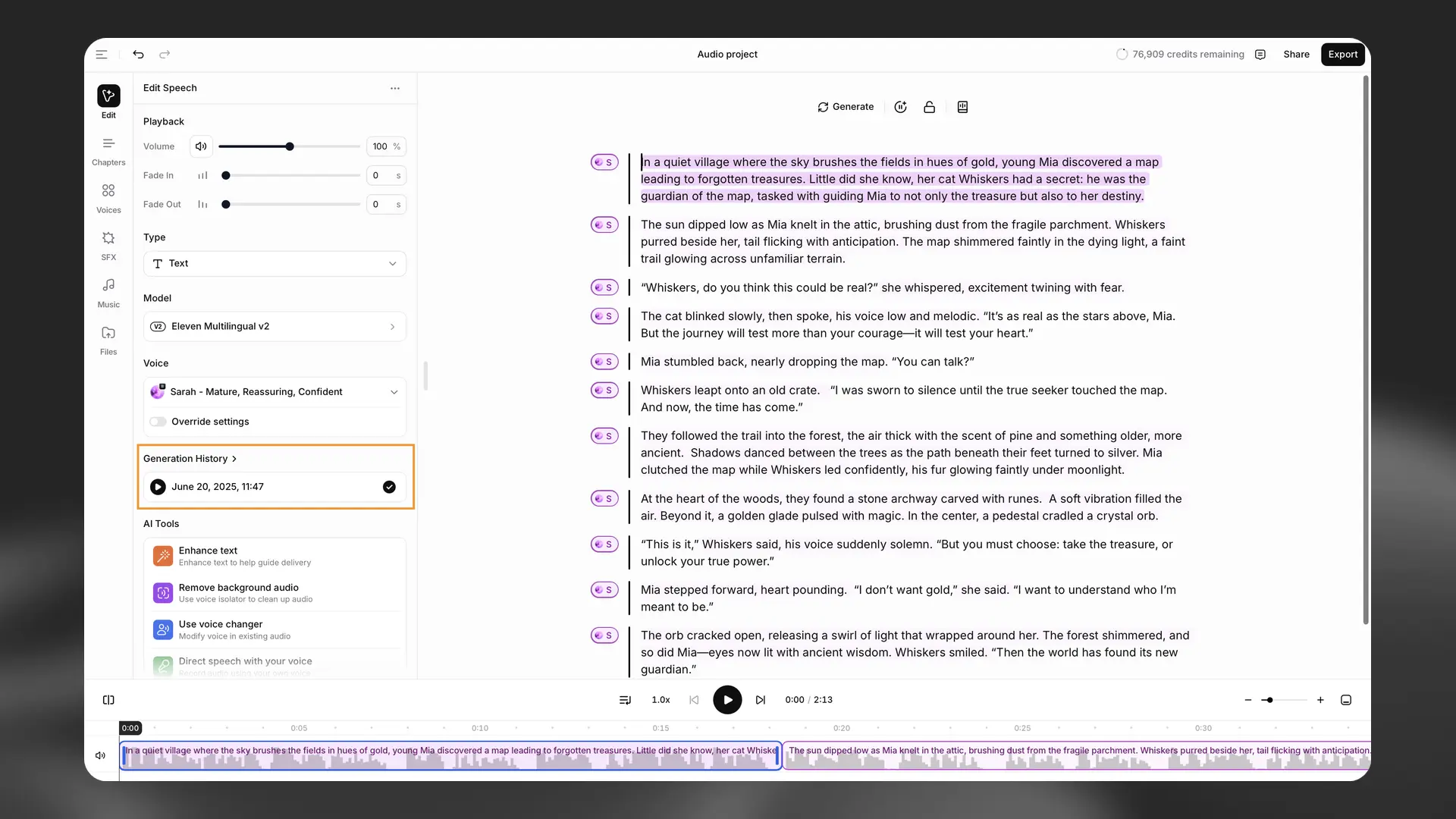
The Generation History for each paragraph appears in the left sidebar when you select it. You can see and listen to all the previous generations for the selected paragraph.
If you prefer an earlier generation, you can restore this by clicking Restore previous generation. This audio will then appear as the current version of the paragraph in your project. You can use the lock button to lock the paragraph to prevent further changes.
For each generation, you can download the individual audio file. To download, click More actions (three dots) > Download.
You can also remove generations, but please bear in mind that removing a generation is permanent, and it cannot be recovered. To remove a generation, click More actions (three dots) > Remove.