What is the timeline in Studio?
The timeline is a visual representation of the audio in your Studio project, displayed as a horizontal track at the bottom of the interface. It’s enabled by default in all Studio projects.
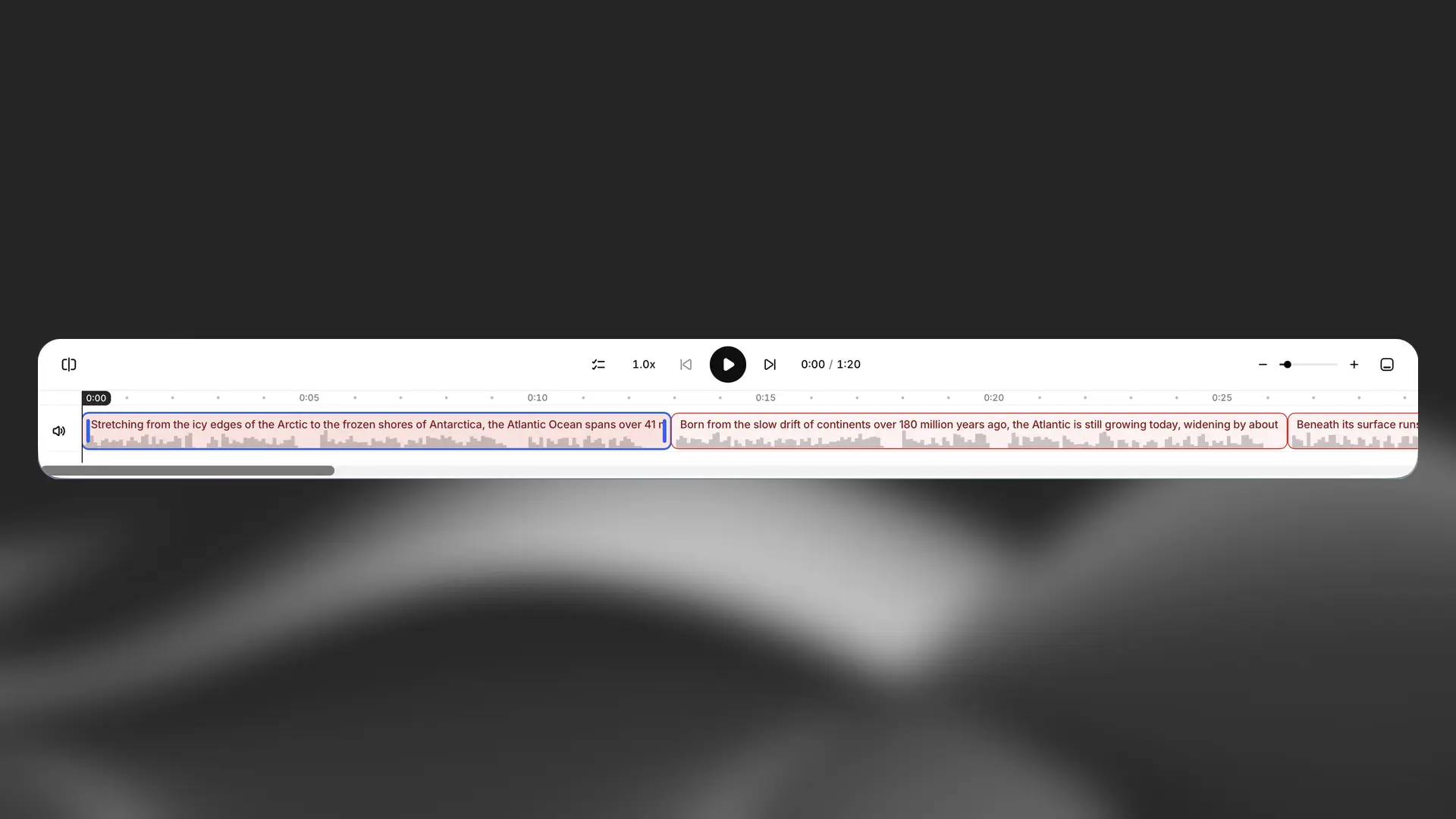
The timeline gives you a clearer way to view and control the structure of your content. Clips appear automatically as you enter text, and you can rearrange them by dragging and dropping to adjust the flow of your audio.
Click the Expand/Collapse button in the top-right of the timeline to adjust the view:
Use the Zoom In and Zoom Out buttons to change how much of the timeline is visible: