Multi-voice support
Enable your AI agent to switch between different voices for multi-character conversations and enhanced storytelling.
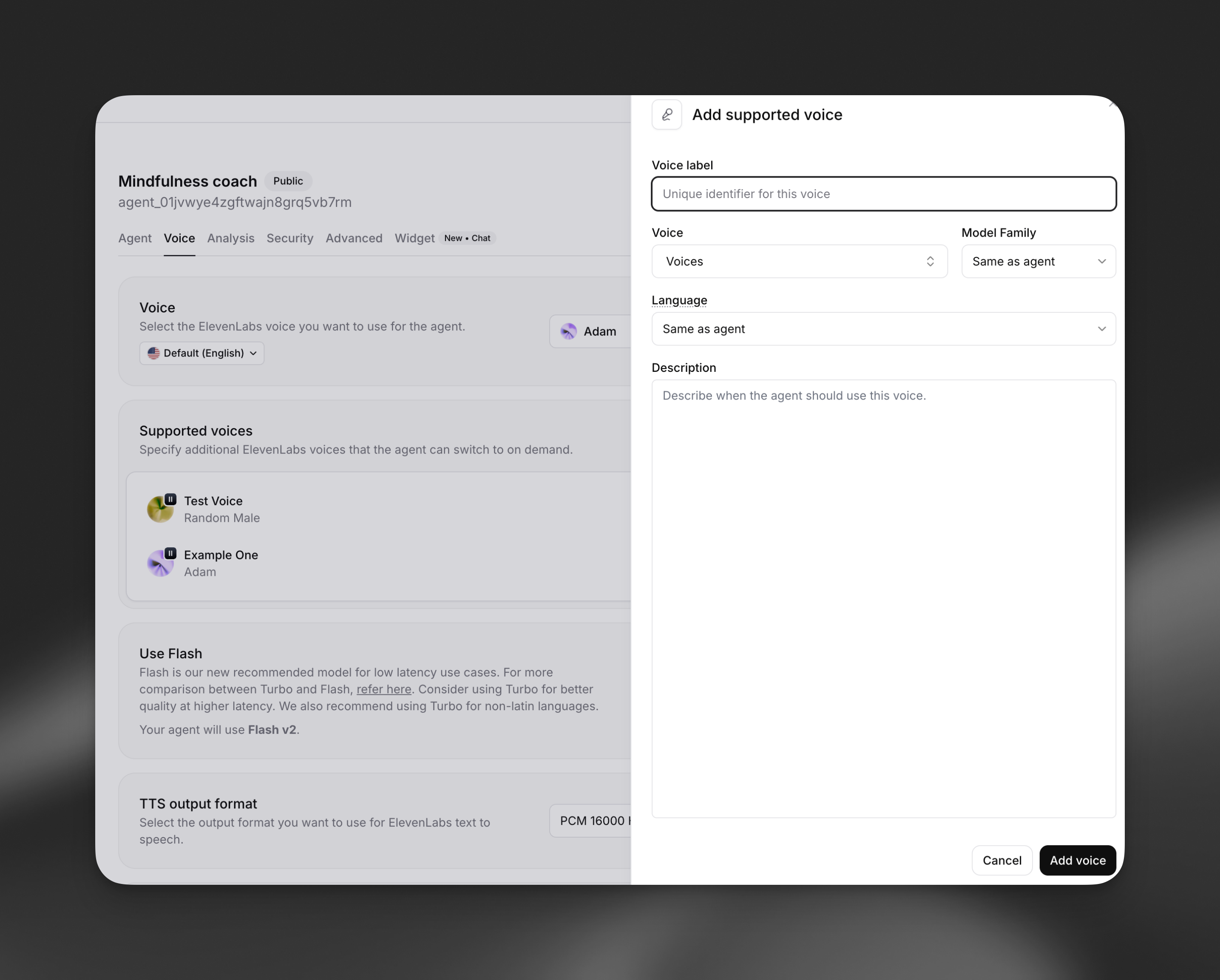
Open your agent in the dashboard, navigate to the Voice tab, and locate the Multi-voice support section. Click Add voice to configure a new supported voice.
<narrator>Once upon a time, in a distant kingdom...</narrator>
<princess>I need to find the magic crystal!</princess>
<wizard>The crystal lies beyond the enchanted forest.</wizard>