Audio Native with WordPress
Integrate Audio Native into your WordPress sites.
Install the WPCode plugin
Install the WPCode plugin into your WordPress website to embed HTML code.
Create a new code snippet
In the WordPress admin console, click on “Code Snippets”. Add the Audio Native embed code to the new code snippet.
Embed code snippet <div id="elevenlabs-audionative-widget" data-height="90" data-width="100%" data-frameborder="no" data-scrolling="no" data-publicuserid="public-user-id" data-playerurl="https://elevenlabs.io/player/index.html" data-projectid="project-id" > Loading the <a href="https://elevenlabs.io/text-to-speech" target="_blank" rel="noopener">Elevenlabs Text to Speech</a> AudioNative Player... </div> <script src="https://elevenlabs.io/player/audioNativeHelper.js" type="text/javascript"></script>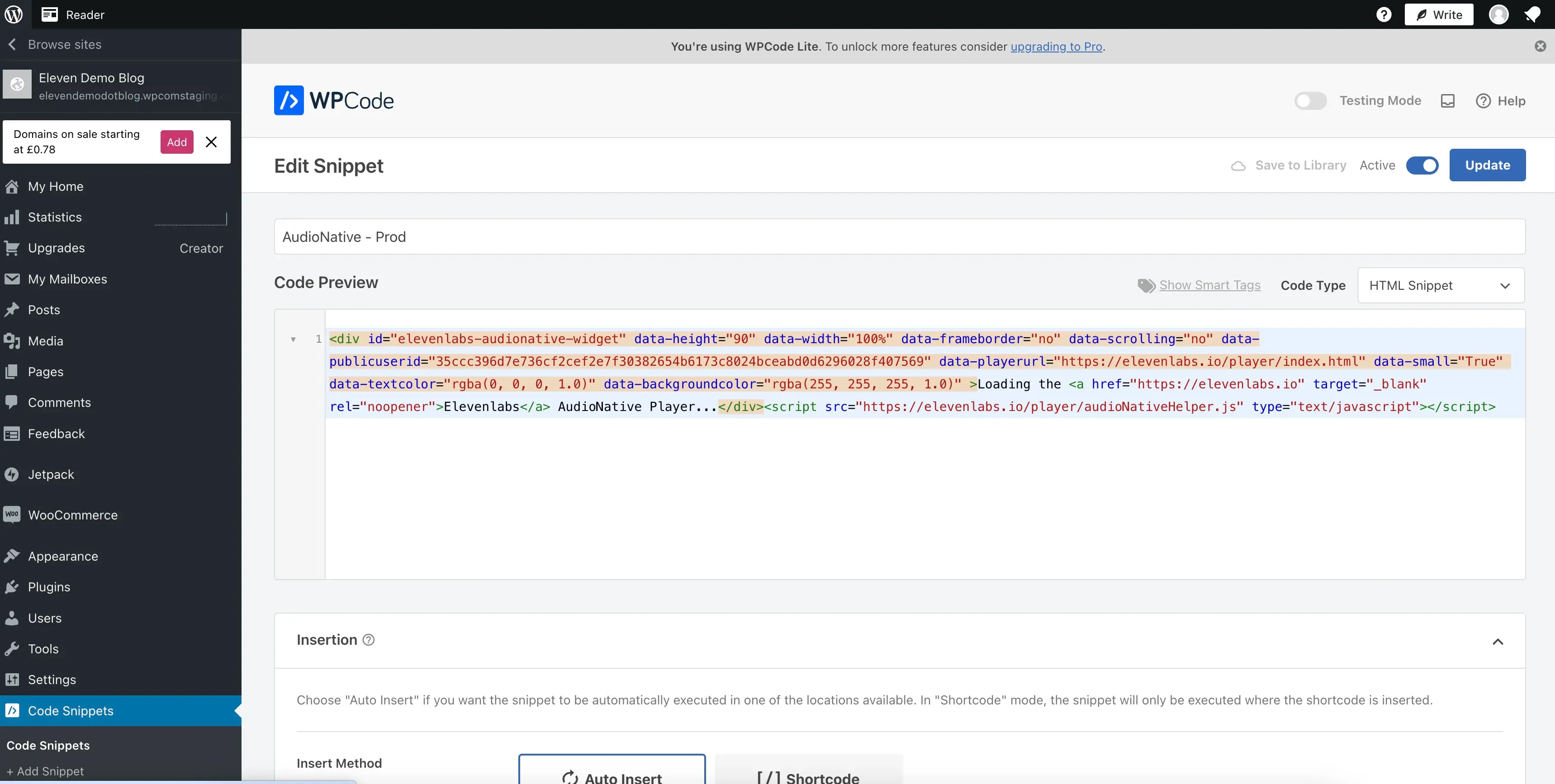
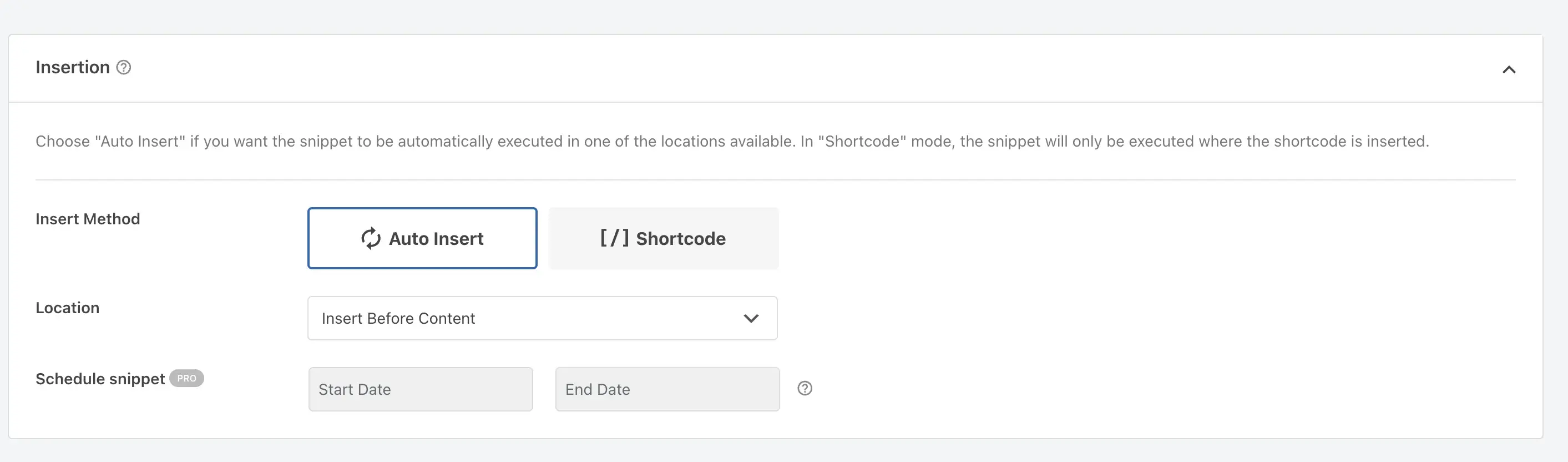
Pick “Auto Insert” for the insert method and set the location to be “Insert Before Content”.
Publish your changes
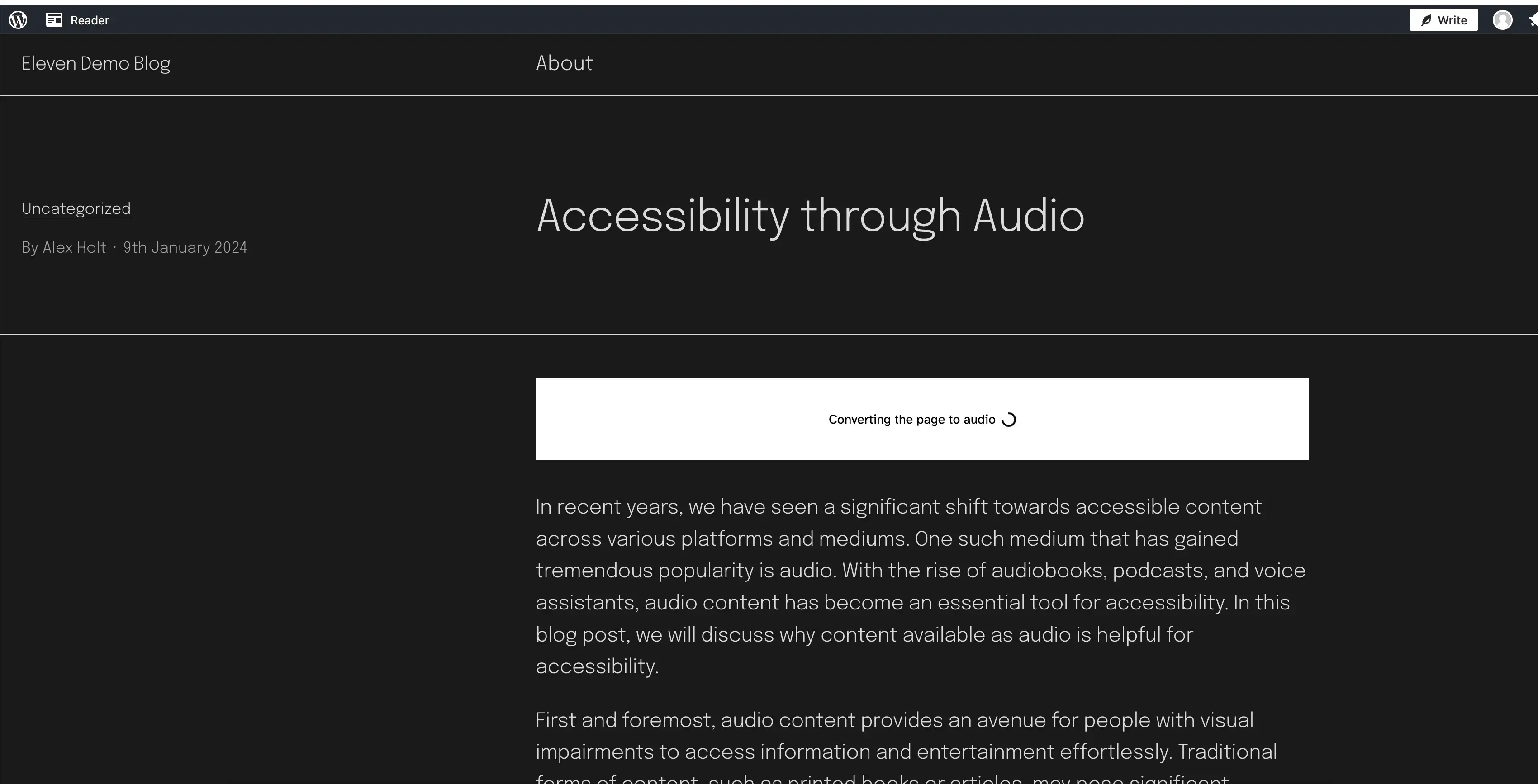
Finally, publish your changes and navigate to the live version of the blog post. You should see a message to let you know that the Audio Native project is being created. After a few minutes the text in your blog will be converted to an audio article and the embedded audio player will appear.