Searching conversations
Overview
Section titled “Overview”Conversation history includes a search bar with two modes for finding messages across all your agent conversations.
Keyword search performs full-text matching and supports the same filters as the conversation list (time range, duration, ratings, tools, languages, and more). Smart search uses semantic search to match transcript chunks by meaning — useful when you don't know the exact phrasing a caller used.
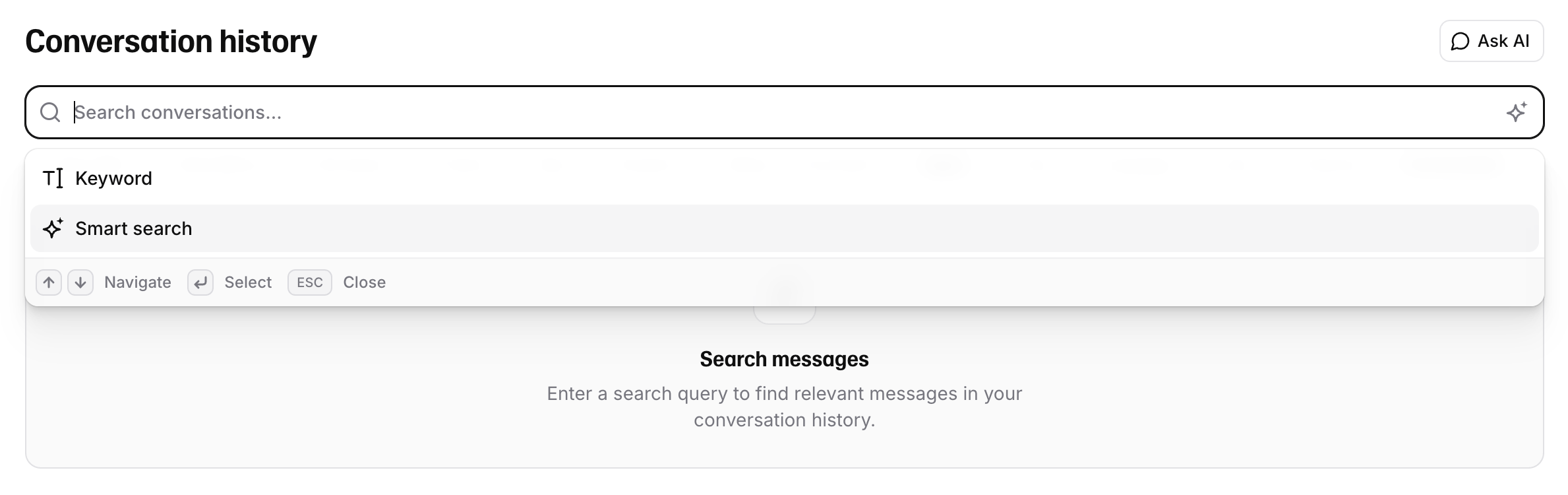
Keyword vs Smart search
Section titled “Keyword vs Smart search”| Mode | How it matches | Filters |
|---|---|---|
| Keyword | Full-text / fuzzy on message content | All conversation filters available |
| Smart search | Semantic similarity via embeddings | Most filters disabled while a query is active |
The mode is stored in the URL so links are shareable and reload-safe. Default is keyword.
API reference
Section titled “API reference”- Text search — keyword / full-text
- Smart search — semantic search