Audio saving
Audio Saving settings allow you to choose whether recordings of your calls are retained in your call history, on a per-agent basis. This control gives you flexibility over data storage and privacy.
Overview
Section titled “Overview”By default, audio recordings are enabled. You can modify this setting to:
- Enable audio saving: Save call audio for later review.
- Disable audio saving: Omit audio recordings from your call history.
Modifying Audio Saving Settings
Section titled “Modifying Audio Saving Settings”Prerequisites
Section titled “Prerequisites”- A configured ElevenLabs Conversational Agent
Update via the dashboard
Section titled “Update via the dashboard”Access audio saving settings
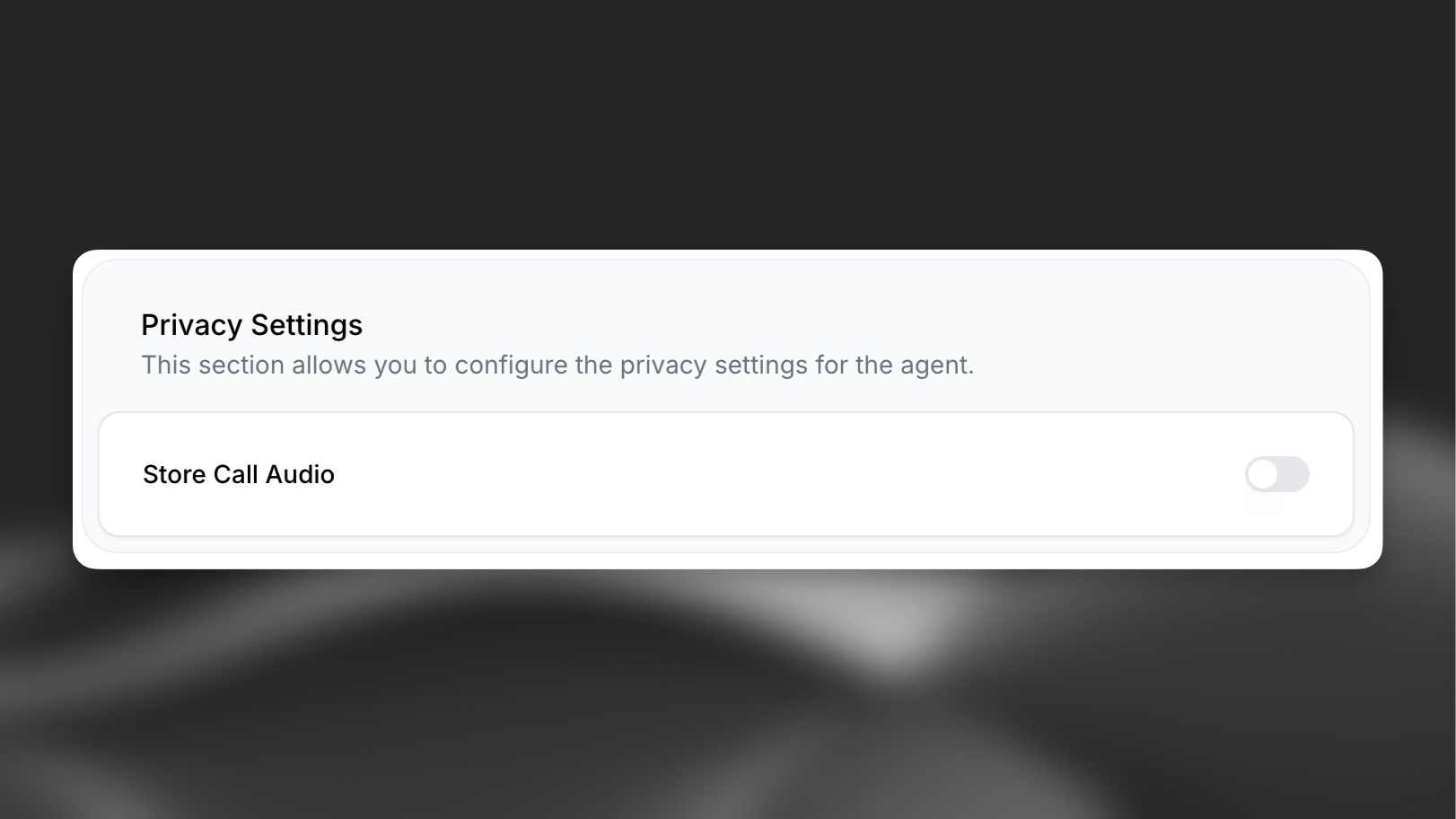
Section titled “Access audio saving settings”Find your agent in the ElevenAgents page and select the "Advanced" tab. The audio saving control is located in the "Privacy Settings" section.
Choose saving option
Section titled “Choose saving option”Toggle the control to enable or disable audio saving and click save to confirm your selection.
Review call history
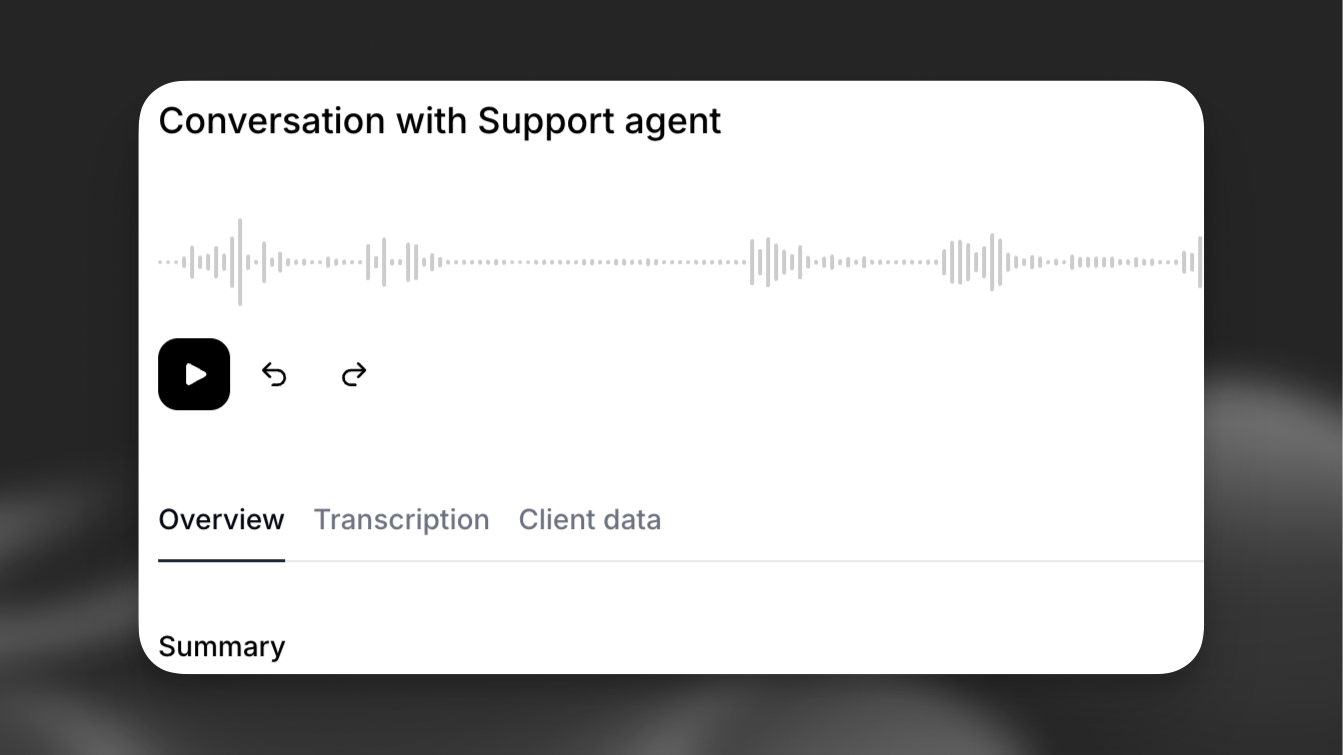
Section titled “Review call history”When audio saving is enabled, calls in the call history allow you to review the audio.
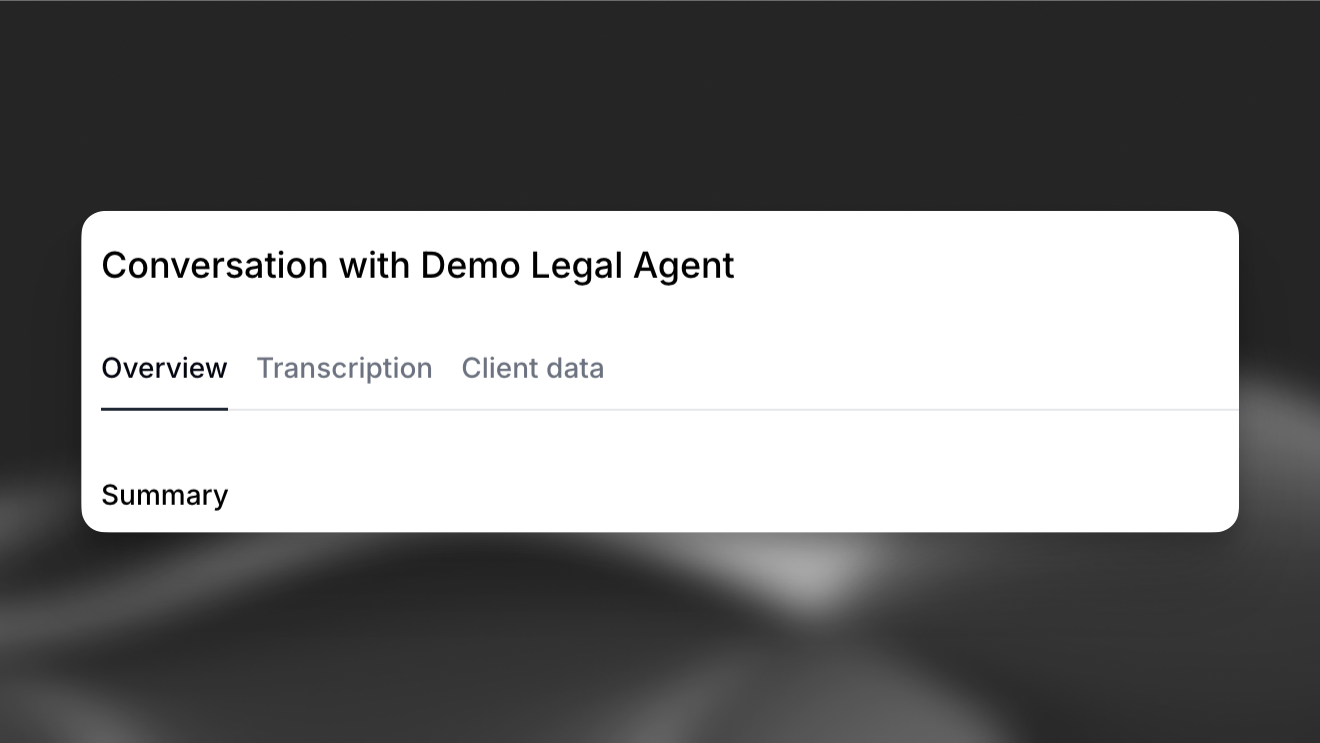
When audio saving is disabled, calls in the call history do not include audio.
Update via the CLI
Section titled “Update via the CLI”Pull the agent configuration
Section titled “Pull the agent configuration”elevenlabs agents pull --agent "<agent-name>"Edit `agent_configs/<agent-name>.json`
Section titled “Edit `agent_configs/<agent-name>.json`”Set platform_settings.privacy.record_voice:
{
  "platform_settings": {
    "privacy": {
      "record_voice": false
    }
  }
}
Push your changes
Section titled “Push your changes”elevenlabs agents push --agent "<agent-name>"Update via the API
Section titled “Update via the API”from elevenlabs import ElevenLabs
elevenlabs = ElevenLabs()
elevenlabs.conversational_ai.agents.update(
agent_id="agent_7101k5zvyjhmfg983brhmhkd98n6",
platform_settings={
"privacy": {"record_voice": False},
},
)import { ElevenLabsClient } from "@elevenlabs/elevenlabs-js";
const elevenlabs = new ElevenLabsClient();
await elevenlabs.conversationalAi.agents.update("agent_7101k5zvyjhmfg983brhmhkd98n6", {
platformSettings: {
privacy: { recordVoice: false },
},
});