Architect
The ElevenLabs assistant for building, configuring, and iterating on your agents.
Overview
Section titled “Overview”Architect is the AI assistant built into ElevenAgents. Instead of changing every setting field by field, you describe what you want and Architect makes the edit for you, using the same configuration, workflow, tools, tests, and knowledge base APIs available in the dashboard.
Architect is one assistant with two placements:
- Sidebar: available across the whole ElevenLabs app from a floating button or sidebar. Use it to ask product questions, navigate the dashboard, and get help finding a setting.
- Architect tab: a full-screen view inside a specific agent, opened from that agent’s page or from “Discuss”, “Improve”, or “Make with Architect” buttons. Here, Architect additionally reads and edits that agent’s configuration, workflow, tools, tests, and knowledge base.
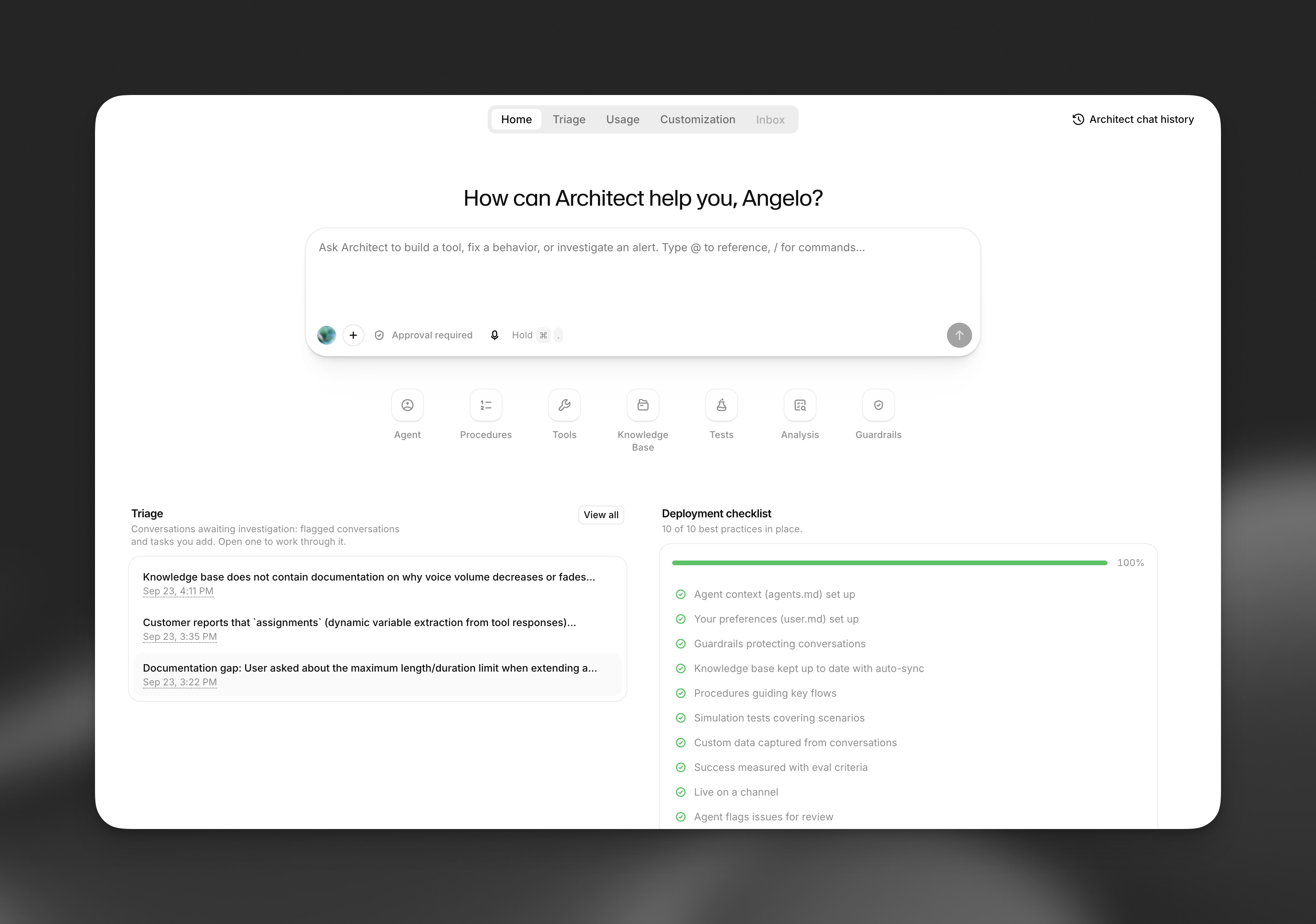
The Architect tab for an agent, with its triage queue and deployment checklist
What Architect is specialized for
Section titled “What Architect is specialized for”Architect’s primary job is helping you iterate on an agent you have already built: reviewing how it performed on real conversations, understanding what went wrong, and turning that into a concrete change to its prompt, workflow, tools, tests, or knowledge base. See Triage for how this review loop works.
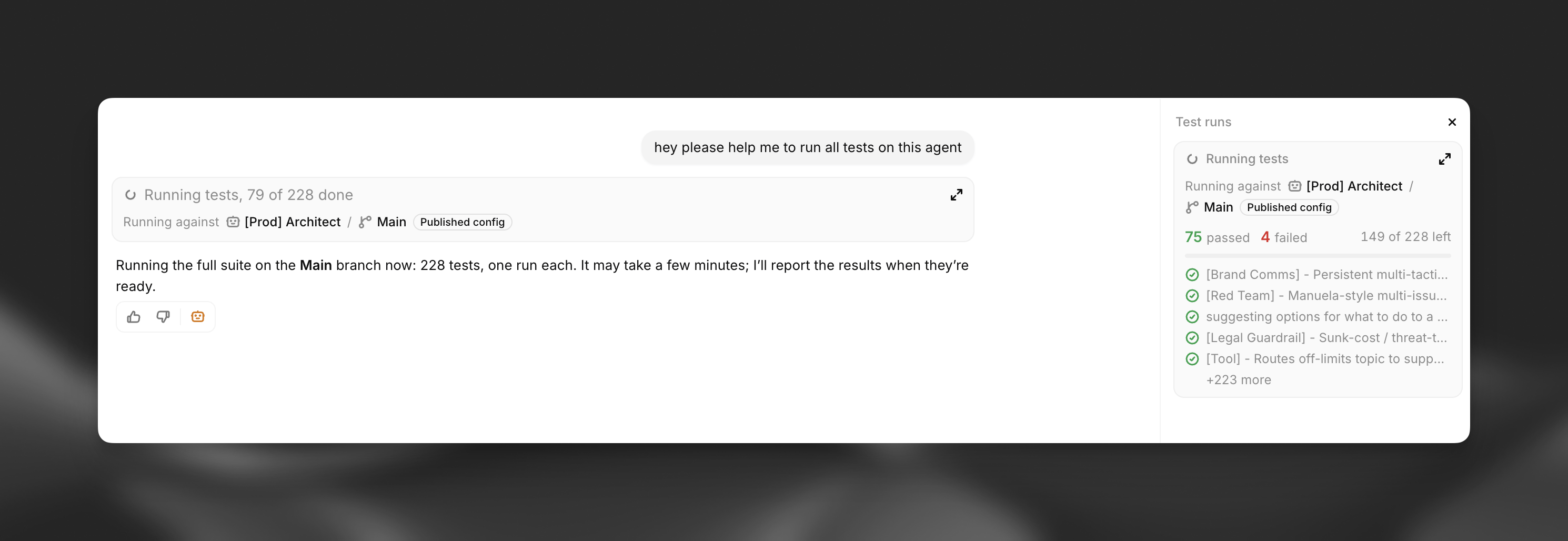
Architect running an agent's full test suite from a chat request
Outside of a specific agent, Architect in the sidebar also answers general product questions and helps you navigate the dashboard.
Pricing
Section titled “Pricing”Architect is available now in alpha and is free to use during the alpha period, which will run through October 2026. During the alpha, usage does not count against your workspace’s agent minutes or LLM cost. Check the pricing page for terms after the alpha ends.
Privacy and data retention
Section titled “Privacy and data retention”For details on what ZRM does cover, see Zero Retention Mode.
Learn more
Section titled “Learn more”How Architect works
What Architect can see, the tools it can use, and how it applies changes.
Triage
Review conversation issues flagged for follow-up.
Merge proposals
Ask for a branch’s changes to be reviewed before they reach another branch.
Flag issue for review
Let a live agent raise a ticket for a problem it can’t resolve.
Customizing Architect
Give Architect durable context and reusable prompts.
Authentication, approvals, and drafts
How Architect acts on your behalf and stages changes safely.
Claude, Cursor, and other AI assistants
Manage agents from outside the ElevenLabs dashboard.