Speed control
Overview
Section titled “Overview”The speed control feature allows you to adjust how quickly or slowly your agent speaks. This can be useful for:
- Making speech more accessible for different audiences
- Matching specific use cases (e.g., slower for educational content)
- Optimizing for different types of conversations
Configuration
Section titled “Configuration”Speed is controlled through the speed parameter with the following specifications:
- Range: 0.7 to 1.2
- Default: 1.0
- Type: Optional
Update the speed
Section titled “Update the speed”Update via the dashboard
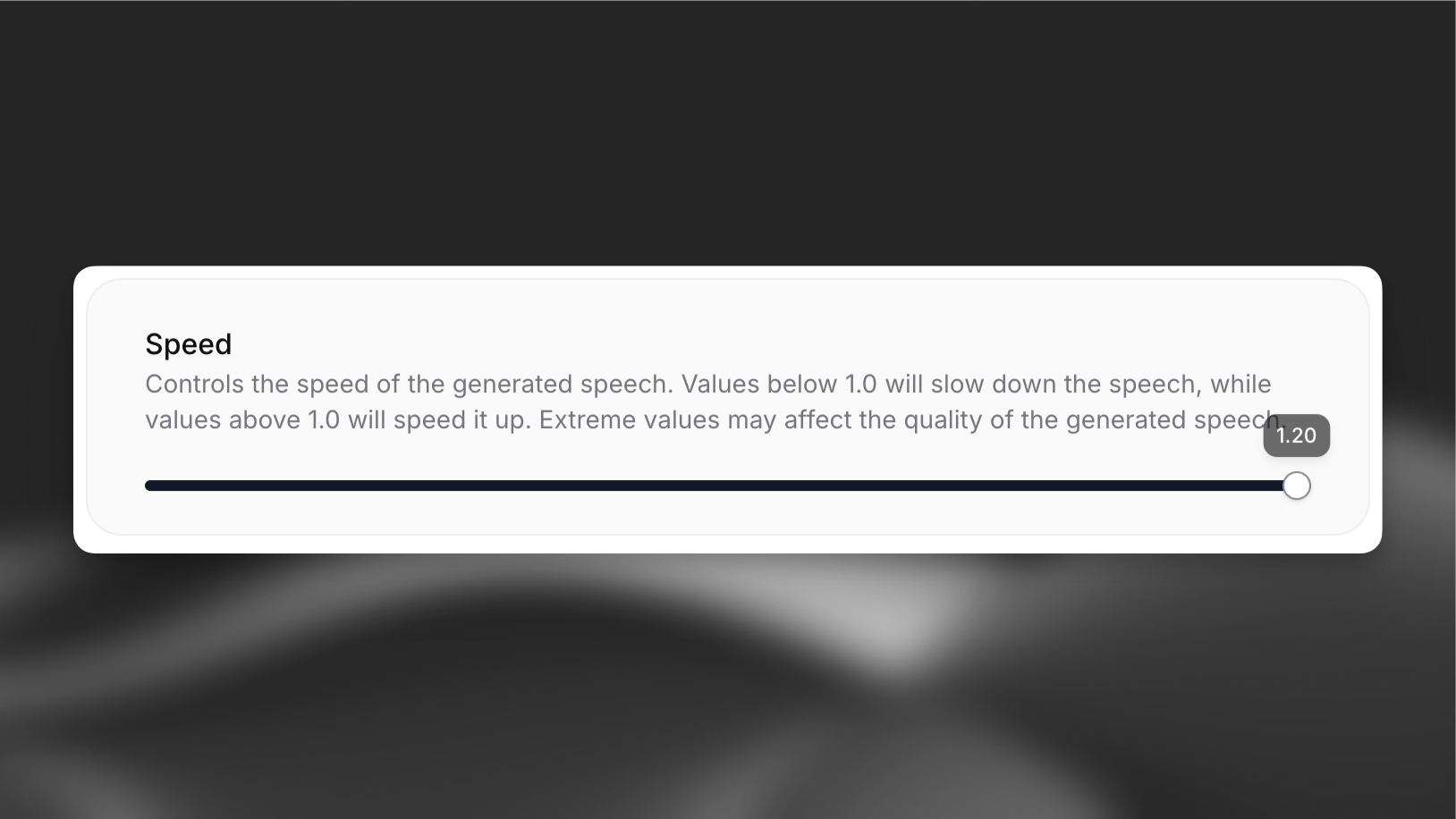
Section titled “Update via the dashboard”Open your agent in the dashboard, navigate to the Voice tab, and adjust the speed control. Save your changes.
Update via the CLI
Section titled “Update via the CLI”Pull the agent configuration
Section titled “Pull the agent configuration”elevenlabs agents pull --agent "<agent-name>"Edit `agent_configs/<agent-name>.json`
Section titled “Edit `agent_configs/<agent-name>.json`”Set conversation_config.tts.speed:
{
  "conversation_config": {
    "tts": {
      "speed": 1.1
    }
  }
}
Push your changes
Section titled “Push your changes”elevenlabs agents push --agent "<agent-name>"Update via the API
Section titled “Update via the API”from elevenlabs import ElevenLabs
elevenlabs = ElevenLabs()
elevenlabs.conversational_ai.agents.update(
agent_id="agent_7101k5zvyjhmfg983brhmhkd98n6",
conversation_config={
"tts": {"speed": 1.1},
},
)import { ElevenLabsClient } from "@elevenlabs/elevenlabs-js";
const elevenlabs = new ElevenLabsClient();
await elevenlabs.conversationalAi.agents.update("agent_7101k5zvyjhmfg983brhmhkd98n6", {
conversationConfig: {
tts: { speed: 1.1 },
},
});How it works
Section titled “How it works”The speed parameter affects the pace of speech generation:
- Values below 1.0 slow down the speech
- Values above 1.0 speed up the speech
- 1.0 represents normal speaking speed
Best practices
Section titled “Best practices”- Start with the default speed (1.0) and adjust based on user feedback
- Test different speeds with your specific content
- Consider your target audience when setting the speed
- Monitor speech quality at extreme values