SMS conversations
Let users text your ElevenLabs agent through a Twilio phone number.
Overview
Section titled “Overview”This guide shows you how to enable SMS conversations with your ElevenLabs agent. After you connect a Twilio phone number, users can send text messages to that number and receive replies from your agent.
Prerequisites
Section titled “Prerequisites”- A Twilio account with a purchased phone number that supports SMS.
- An ElevenLabs agent to handle inbound messages.
Enable SMS
Section titled “Enable SMS”Import your Twilio phone number
Follow the Twilio native integration guide to import your number and add your Twilio Account SID and Auth Token.
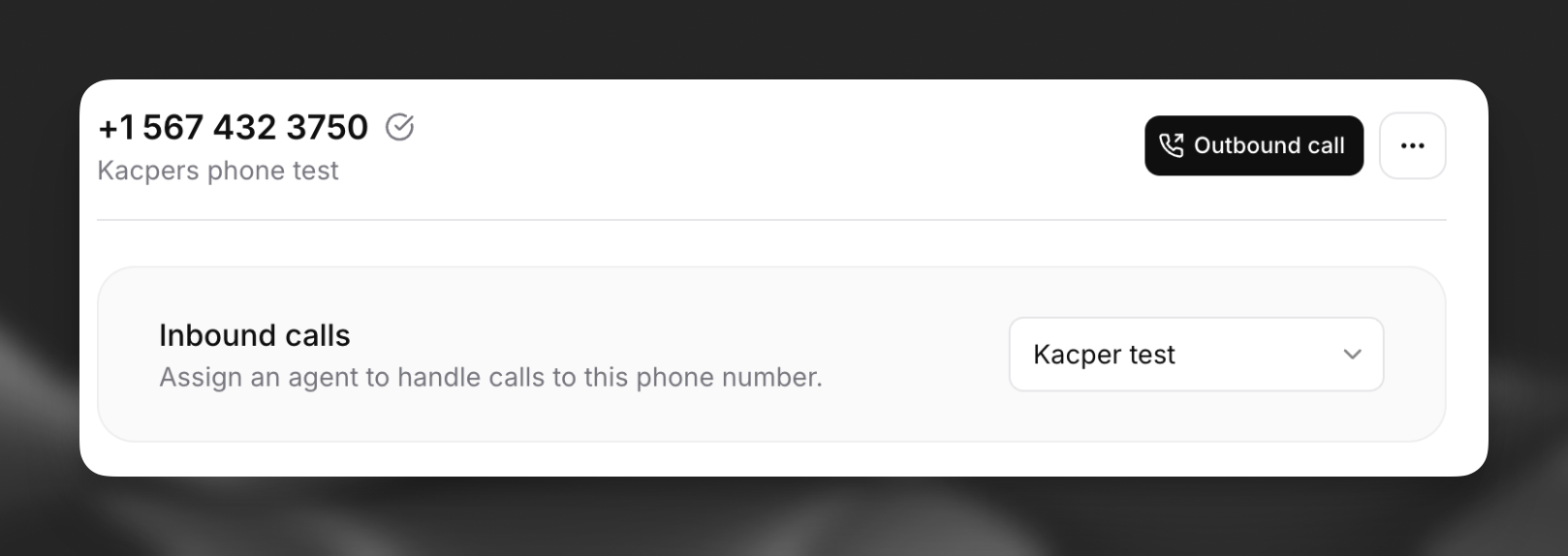
Assign an agent
On the Phone Numbers page, open your imported number and assign the agent that should handle inbound SMS.
Test the integration
Send a text message to your Twilio number from a mobile device. Your agent should reply over SMS.

Related guides
Section titled “Related guides”- Twilio native integration — Import a Twilio number and configure voice calls.
- SMS OTP verification — Send and verify one-time passcodes over SMS during a voice call with Twilio Verify.