End call
Overview
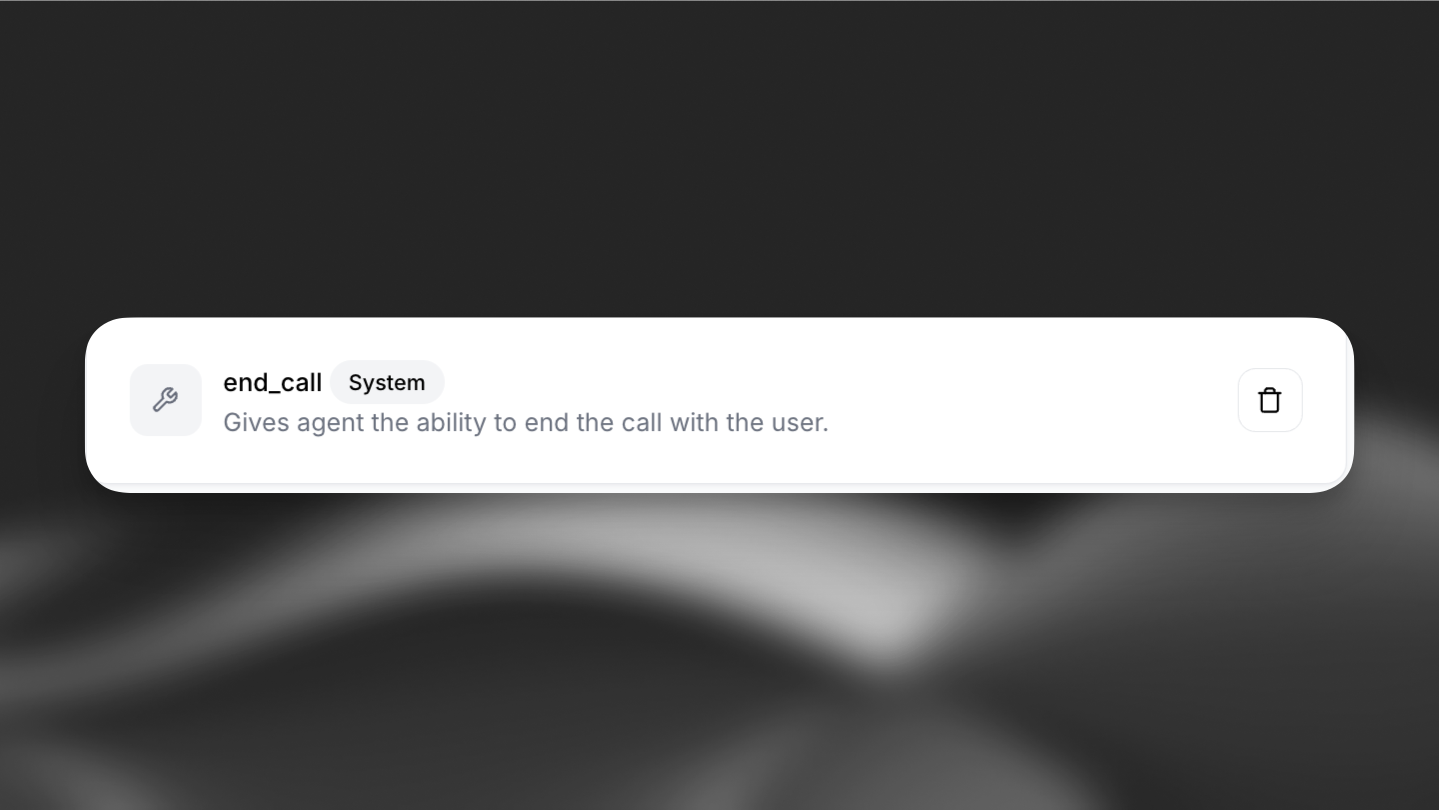
Section titled “Overview”The End Call tool allows your conversational agent to terminate a call with the user. This is a system tool that provides flexibility in how and when calls are ended.
Functionality
Section titled “Functionality”- Default behavior: The tool can operate without any user-defined prompts, ending the call when the conversation naturally concludes.
- Custom prompts: Users can specify conditions under which the call should end. For example:
- End the call if the user says "goodbye."
- Conclude the call when a specific task is completed.
Purpose: Automatically terminate conversations when appropriate conditions are met.
Trigger conditions: The LLM should call this tool when:
- The main task has been completed and user is satisfied
- The conversation reached natural conclusion with mutual agreement
- The user explicitly indicates they want to end the conversation
Parameters:
reason(string, required): The reason for ending the callmessage(string, optional): A farewell message to send to the user before ending the call
Function call format:
{
  "type": "function",
  "function": {
    "name": "end_call",
    "arguments": "{\"reason\": \"Task completed successfully\", \"message\": \"Thank you for using our service. Have a great day!\"}"
  }
}Implementation: Configure as a system tool in your agent settings. The LLM will receive detailed instructions about when to call this function.
API Implementation
Section titled “API Implementation”When creating an agent via API, you can add the End Call tool to your agent configuration. It should be defined as a system tool:
from elevenlabs import AgentConfig, ConversationalConfig, ElevenLabs

elevenlabs = ElevenLabs(api_key="YOUR_API_KEY")

response = elevenlabs.conversational_ai.agents.create(
    conversation_config=ConversationalConfig(
        agent=AgentConfig(
            prompt={
                "built_in_tools": {
                    "end_call": {
                        "type": "system",
                        "name": "end_call",
                        # Optional: customize when the tool should be triggered
                        "description": "",
                        "params": {"system_tool_type": "end_call"},
                    }
                }
            },
        ),
    ),
)import { ElevenLabsClient } from "@elevenlabs/elevenlabs-js";
const elevenlabs = new ElevenLabsClient({
apiKey: "YOUR_API_KEY",
});
await elevenlabs.conversationalAi.agents.create({
conversationConfig: {
agent: {
prompt: {
builtInTools: {
endCall: {
type: "system",
name: "end_call",
description: "", // Optional: Customize when the tool should be triggered
params: { systemToolType: "end_call" },
},
},
},
},
},
});curl -X POST https://api.elevenlabs.io/v1/convai/agents/create \
-H "xi-api-key: YOUR_API_KEY" \
-H "Content-Type: application/json" \
-d '{
"conversation_config": {
"agent": {
"prompt": {
"built_in_tools": {
"end_call": {
"type": "system",
"name": "end_call",
"description": "",
"params": { "system_tool_type": "end_call" }
}
}
}
}
}
}'Example prompts
Section titled “Example prompts”Example 1: Basic End Call
End the call when the user says goodbye, thank you, or indicates they have no more questions.Example 2: End Call with Custom Prompt
End the call when the user says goodbye, thank you, or indicates they have no more questions. You can only end the call after all their questions have been answered. Please end the call only after confirming that the user doesn't need any additional assistance.